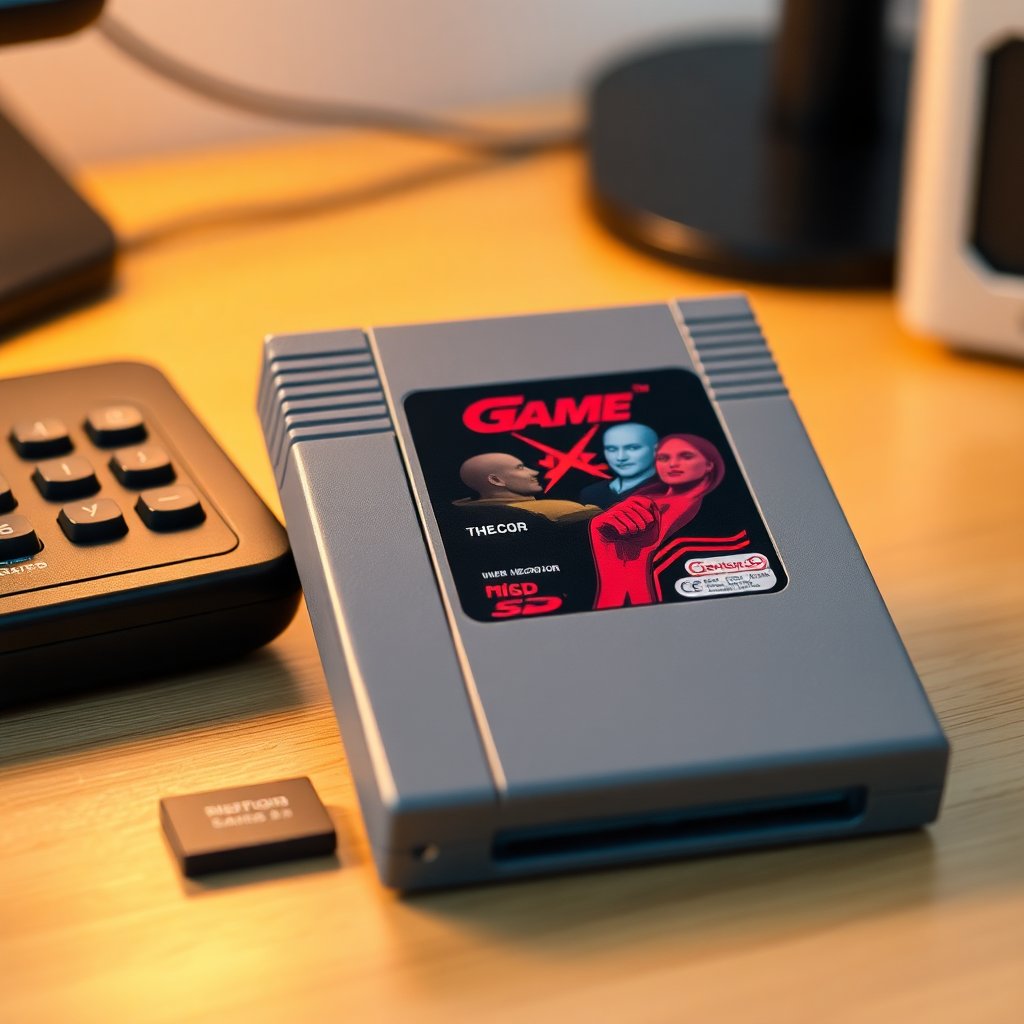
Ask ten retro collectors about flash carts and you will get ten slightly different answers, usually loud ones. For some, a flash cart is the single best accessory they own. For others, it feels like cheating on the hobby. The truth sits in the middle, and it is a lot more practical than either camp admits. A flash cart is simply a reusable cartridge that loads game files from a memory card, letting you run a large library on your actual console and a real controller through a real display.
This guide walks through what a flash cart actually is, what separates a good one from a frustrating one, how to set up the microSD card, the legal reality most sellers gloss over, and how to use one without putting your original cartridges or your console at risk.
As an Amazon Associate we earn from qualifying purchases. Some links below are affiliate links, which helps keep this site running at no extra cost to you.
What a flash cart actually is
A flash cart is a cartridge-shaped device that fits the slot of a specific console family and reads game data off a removable memory card, almost always a microSD card. Instead of swapping a shelf of physical cartridges, you copy game files to the card, slot the flash cart into the console, and pick a title from an on-screen menu. The console thinks it is running a normal cartridge because, electrically, the flash cart is presenting data the same way an original game would.
Most flash carts are console-family specific. A cart built for an 8-bit Nintendo system will not work in a Sega 16-bit machine, and handheld carts are their own category entirely. Some newer multi-system carts exist for closely related hardware, but as a rule you buy one per platform you care about.
The appeal is obvious once you have handled one. Rare cartridges stay safe in storage while you play a working copy. You get fast menu loading, in-game save states on hardware that never supported them, region-free play, and access to fan translations and homebrew that never shipped on a cartridge at all.
Why collectors use them
The most common reason is preservation. Original cartridges have aging edge connectors, battery-backed saves that die, and labels that scratch. Every insertion wears the slot a little. If you own a genuinely valuable copy, you do not want to be reseating it every weekend. A flash cart becomes your daily driver so the real thing can rest. If storage is on your mind, pair this with our guide to storing a retro game collection long term.
The second reason is access. Plenty of great games were never released in some regions, or exist only in languages you cannot read, or shipped in print runs so small that a complete copy costs more than a weekend trip. A flash cart lets you experience those games on the correct hardware instead of squinting at an emulator on a laptop.
The third reason is convenience for homebrew and the modern indie scene. There is a healthy community still making new games for decades-old consoles, and a flash cart is usually the only practical way to run them on the metal.
What to look for before you buy
Not all flash carts are equal, and the cheapest listing is rarely the one you want. A few things separate a cart you will keep for years from one you will resell in a month.
Compatibility accuracy. The best carts aim for near-perfect behavior with the original hardware, including tricky titles that used special chips. Cheaper clones often choke on exactly the games you most wanted to play. Read recent compatibility notes for the specific cart before buying.
Save handling. Look for a cart that writes saves back to the microSD card reliably and supports save states if that matters to you. Losing a 40-hour save because a cart mishandled battery emulation is a genuinely bad day.
Build quality and shell fit. A cart that sits loose in the slot or has a thin, flexible board is a long-term problem. A snug, well-molded shell matters more than people expect.
Firmware support. Active firmware updates mean better compatibility over time and fixes for newly discovered issues. A cart from a maker that abandoned updates years ago is a gamble.
Honest sourcing. This is the big one. There are reputable makers, and there are clones that copy the hardware and the menu software without permission. Clones are cheaper and often buggier, and buying one funds the copying rather than the original engineering. If a price looks far too good, it usually is.
You will not generally find the premium carts themselves on big general marketplaces, since most are sold direct by their makers or through specialist shops. What you can easily and legitimately pick up alongside a cart are the accessories that make it work well.
The accessories that actually matter
A flash cart is useless without a good card, and this is where a lot of frustration comes from. A slow, sketchy, or counterfeit card causes menu stalls, failed saves, and corrupted files that get blamed on the cart.
Start with a reliable, name-brand microSD card. You do not need a huge one for older systems, since the game files are tiny by modern standards, but you do want genuine flash and a known brand. Shop microSD cards on Amazon and stick to recognizable names rather than mystery listings with too-good capacities.
You also need a way to get files onto the card from your computer. A simple, dependable USB microSD card reader on Amazon saves you the headache of flaky built-in laptop slots that drop the connection mid-copy.
Finally, keep a small kit for the physical side of things. A can of compressed air and a proper cleaning routine keep both the cart contacts and the console slot in good shape. A cartridge and console cleaning kit on Amazon covers the brushes and swabs you will actually reach for. And if your carts and cards are piling up, a microSD and cartridge storage case on Amazon keeps the loose pieces from vanishing into the couch.
Setting up the microSD card
Setup is straightforward once you know the order of operations, and rushing it is the usual cause of early problems.
Format the card correctly. Most flash carts expect a specific file system, commonly FAT32 for smaller cards. Format on your computer before you copy anything, and do not simply trust the factory formatting on a new card.
Install the menu software. Reputable carts provide their own operating software that you copy to the root of the card. Download it only from the maker's official site, never from a random mirror, and check that you have the current version.
Organize your files in folders. A little structure now saves real pain later. Group files by system or genre so the on-screen menu is navigable instead of an endless scroll.
Eject safely every time. Always use your computer's safe-eject before pulling the card. Yanking it mid-write is the fastest way to corrupt the menu software and get a cart that boots to a black screen.
Test with a few known-good files first. Confirm the whole chain works before you spend an evening copying your entire library onto a card you have not verified.
The legal reality, stated plainly
This part gets skipped a lot, so here it is directly. A flash cart is hardware, and the hardware itself is legal to own in most places. The game files are where it gets complicated. In general, downloading game files for titles you do not own is copyright infringement, full stop, regardless of how common it is or how old the game is. The widely repeated idea that owning the original makes a download automatically fine is not the settled legal shield people treat it as, and the rules vary by country.
Homebrew and public-domain titles are a different and cleaner story, since many are distributed freely by their own creators specifically to be run this way. If you want a deeper, neutral primer on how these devices work and where they sit, the overview of flash cartridges on Wikipedia is a reasonable starting point. None of this is legal advice, and if the specifics matter to you, check the law where you live.
The practical takeaway for collectors is simple. Keep the devices and your files on the right side of the line you are comfortable with, and buy from makers rather than cloners.
Using a flash cart without damaging anything
A flash cart spends its life in the console slot, which means a few habits protect both the cart and the hardware.
Keep the contacts clean. Dirty edge connectors cause the same read glitches on a flash cart as on an original game. A gentle isopropyl wipe on a clean swab, never a pencil eraser, keeps the contacts bright.
Mind the slot wear. Insert and remove gently and squarely. The whole point of a flash cart is to reduce wear on your real games, so do not undo that benefit by forcing the cart in at an angle.
Back up your saves. Because saves live on the microSD card, copy the save folder to your computer now and then. It takes seconds and it has rescued many a long playthrough.
Watch your power and video chain. A flash cart does not change how your console outputs video, so your display setup still matters. If you are chasing a clean picture on a modern television, our rundown of retro console HDMI adapters pairs naturally with a flash cart build.
Is a flash cart right for your collection?
For most collectors, the honest answer is yes, with one caveat. A flash cart is one of the highest-value accessories you can add if your goal is to actually play your library on original hardware while keeping fragile or expensive cartridges safe. It is not a replacement for collecting physical games, and it will not scratch the itch if the thrill for you is the hunt and the shelf. The two coexist comfortably. Many serious collectors keep their grails sealed or shelved and do their real playing on a flash cart.
If you are still deciding which systems to build around in the first place, start with our overview of the best retro consoles to own in 2026, then add a flash cart for whichever platform earns the most time in your living room.
Buy a cart from a real maker, feed it a genuine name-brand card, format it properly, back up your saves, and keep your files on the right side of your own comfort line. Do that and a flash cart will quietly become the piece of your setup you reach for most, while the cartridges that cost you real money stay exactly where they belong.
As an Amazon Associate we earn from qualifying purchases. This article contains affiliate links; if you buy through them we may earn a small commission at no additional cost to you.